
Sunday Square$271.00 USD
Preparing the gallery…







1 of 8
Our Mission
We believe the right piece of art doesn't just decorate a wall — it changes the feeling of a room, and the way you move through your day. IMPRESSION was born from a simple idea: that original art should be accessible, personal, and alive. Every work in our collection is chosen for its ability to speak — quietly or boldly — to the person standing in front of it. We work with artists who paint, sculpt and create with intention, so that what you bring home carries something real.
Behind every piece is a story worth knowing. A painter who works only in natural light. A sculptor who sources her marble from a single quarry in the south. An artist who has spent twenty years perfecting a technique that makes colour breathe. We make it our work to find these people, understand their practice, and bring their art to those who will genuinely love it. At IMPRESSION, curation is not about aesthetics alone — it is about honesty, craft, and the quiet confidence that comes from choosing something made to last.








1 of 7
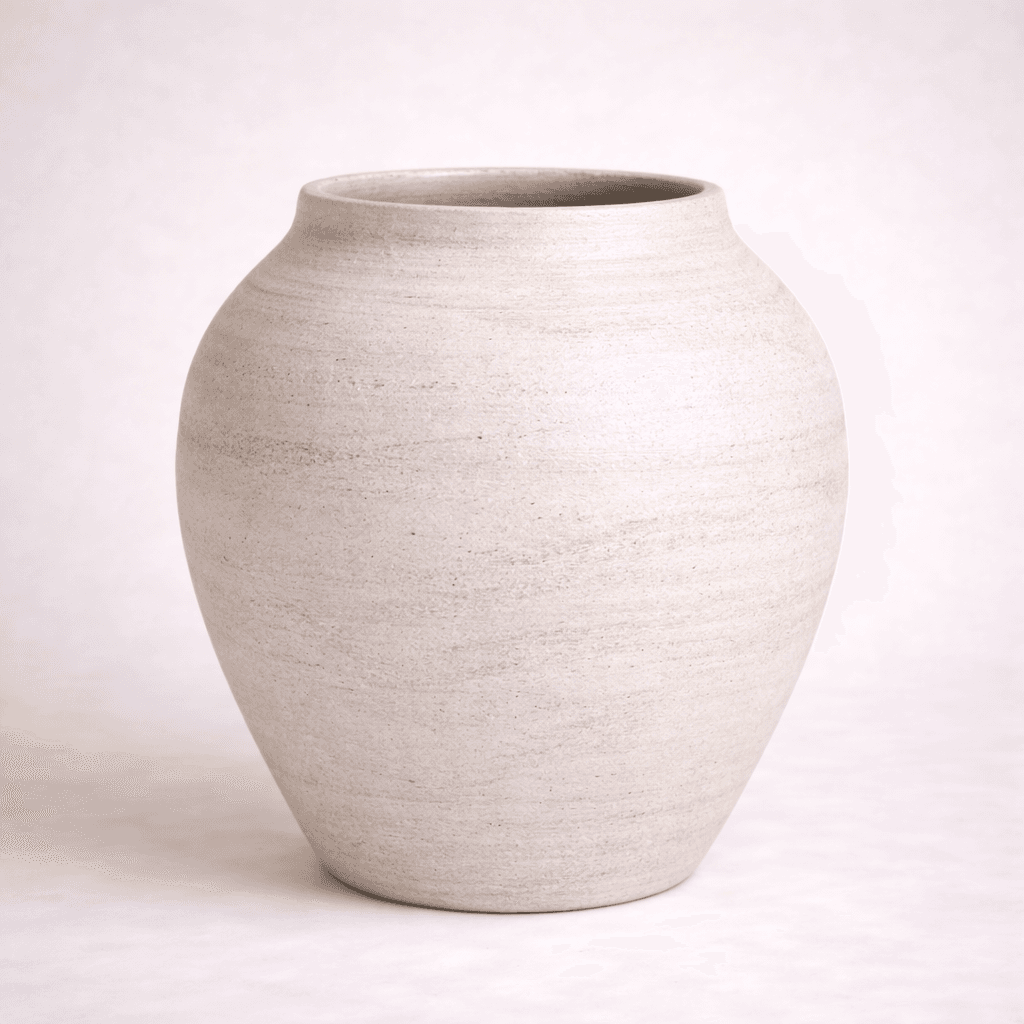
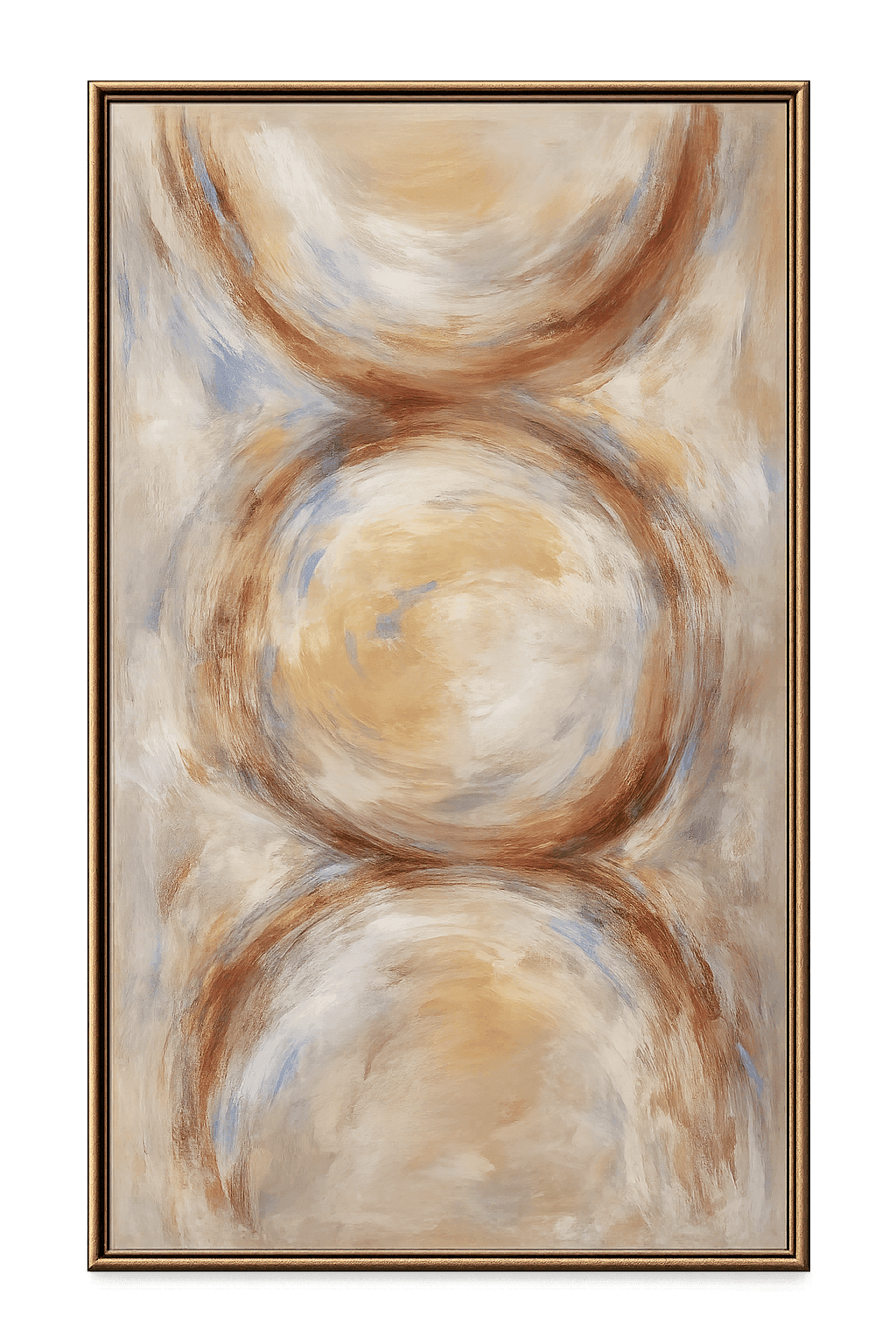
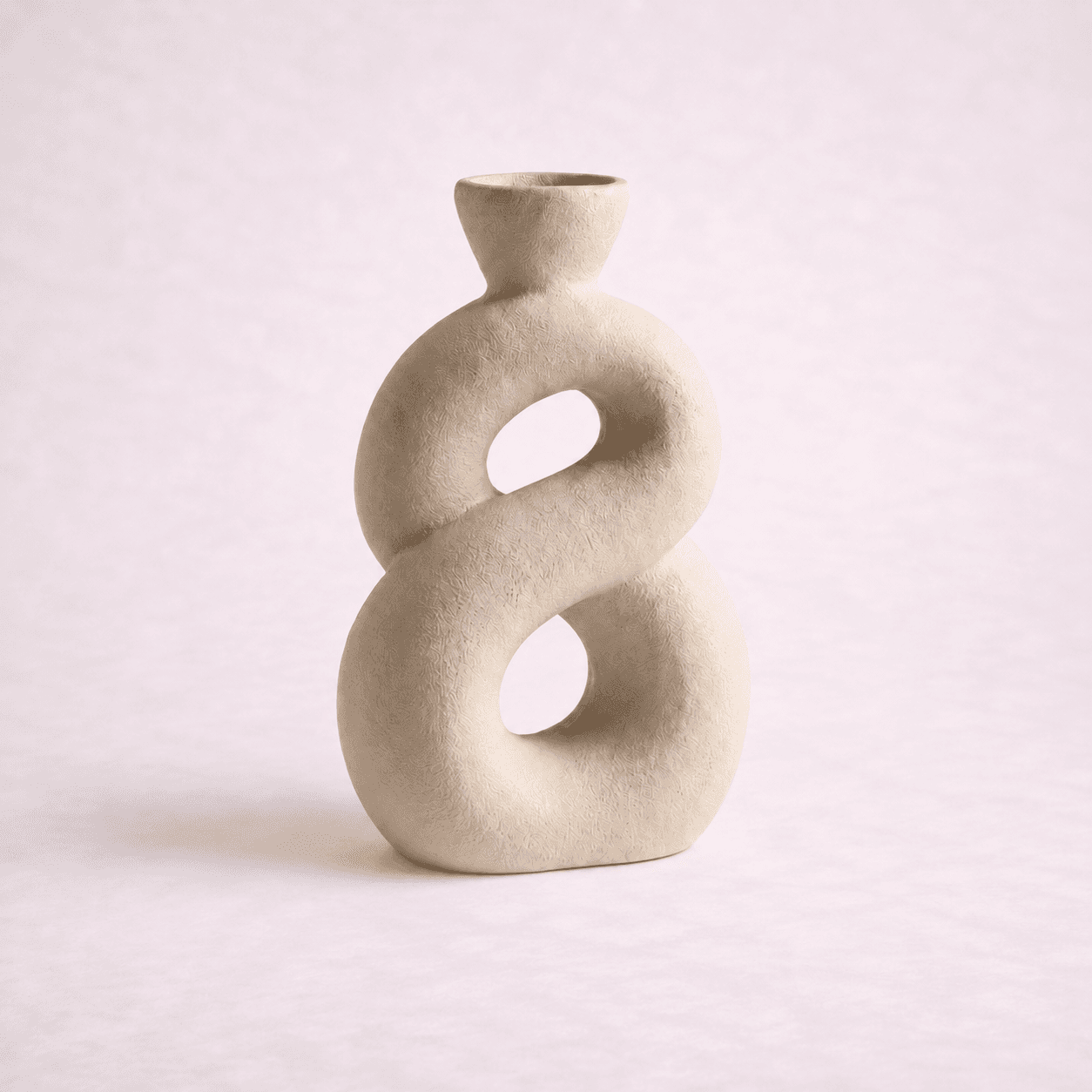
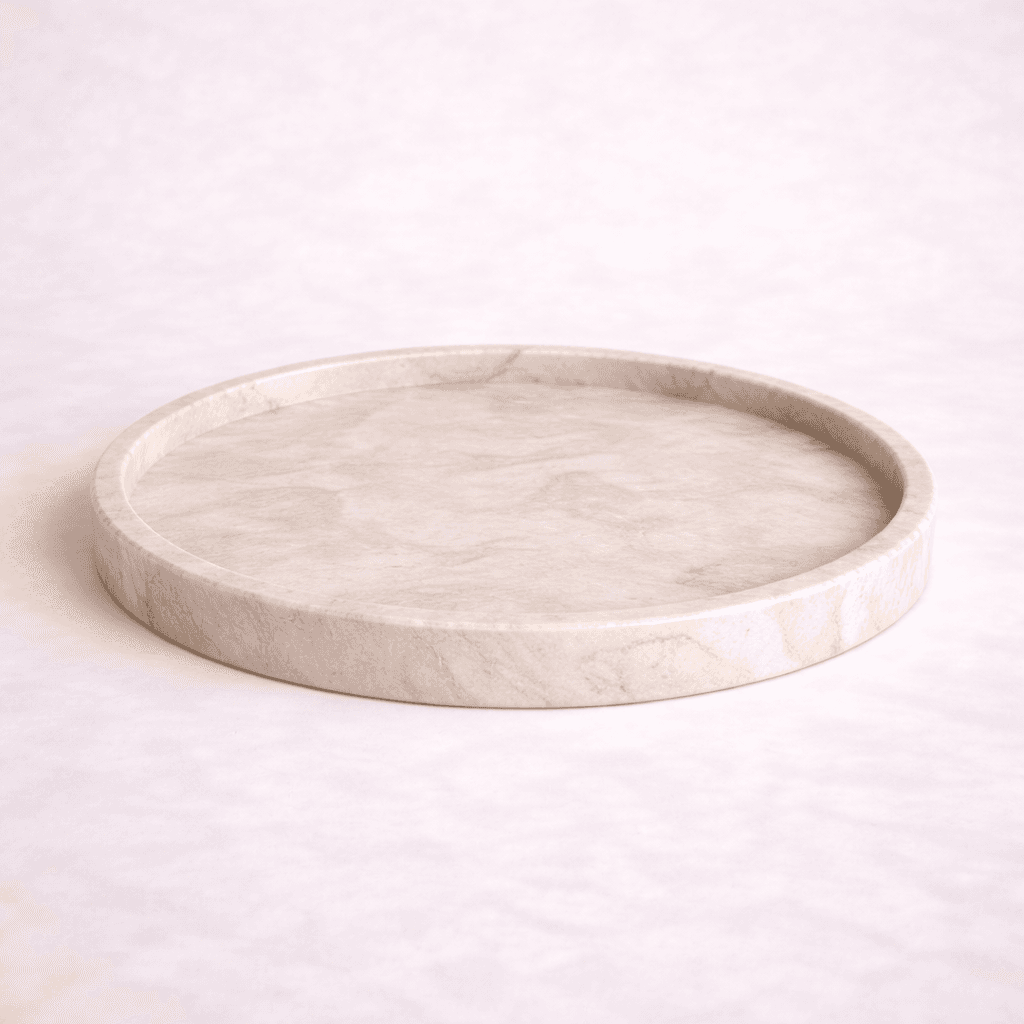

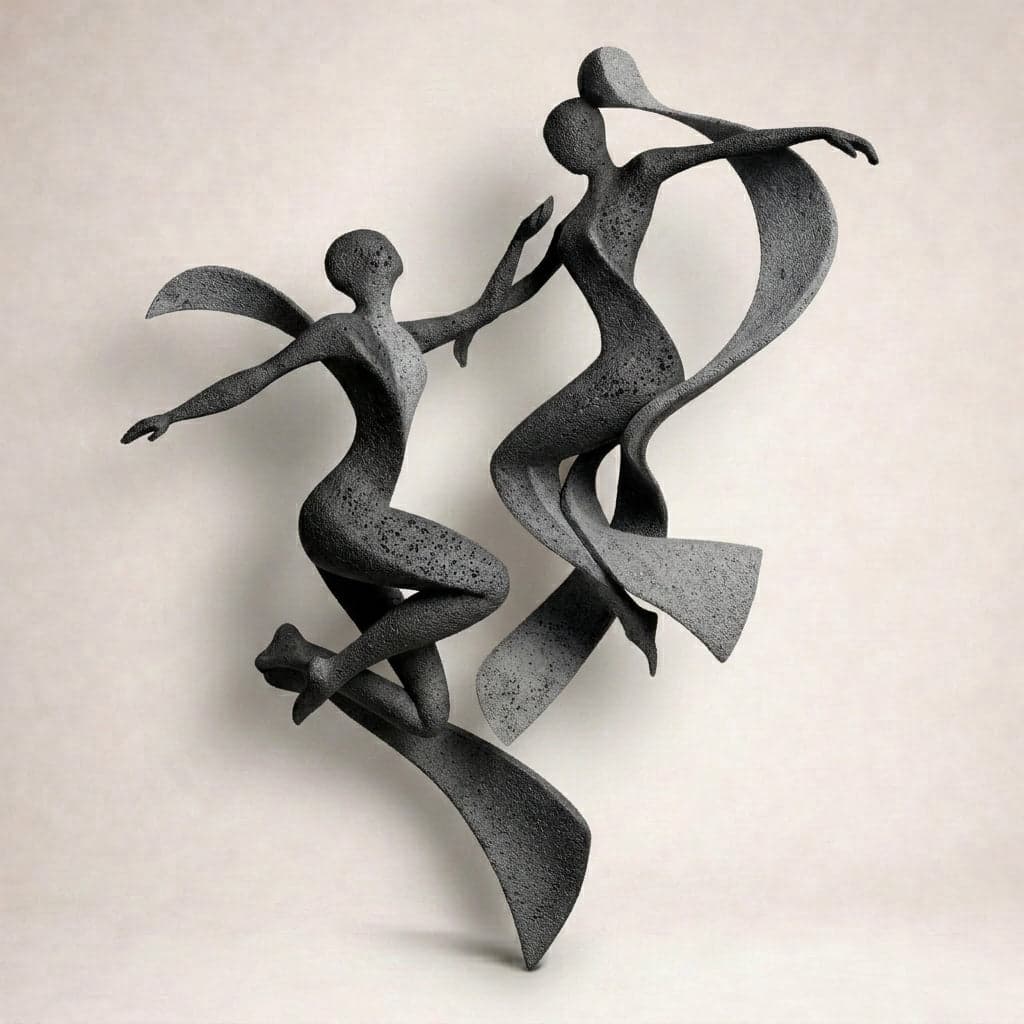
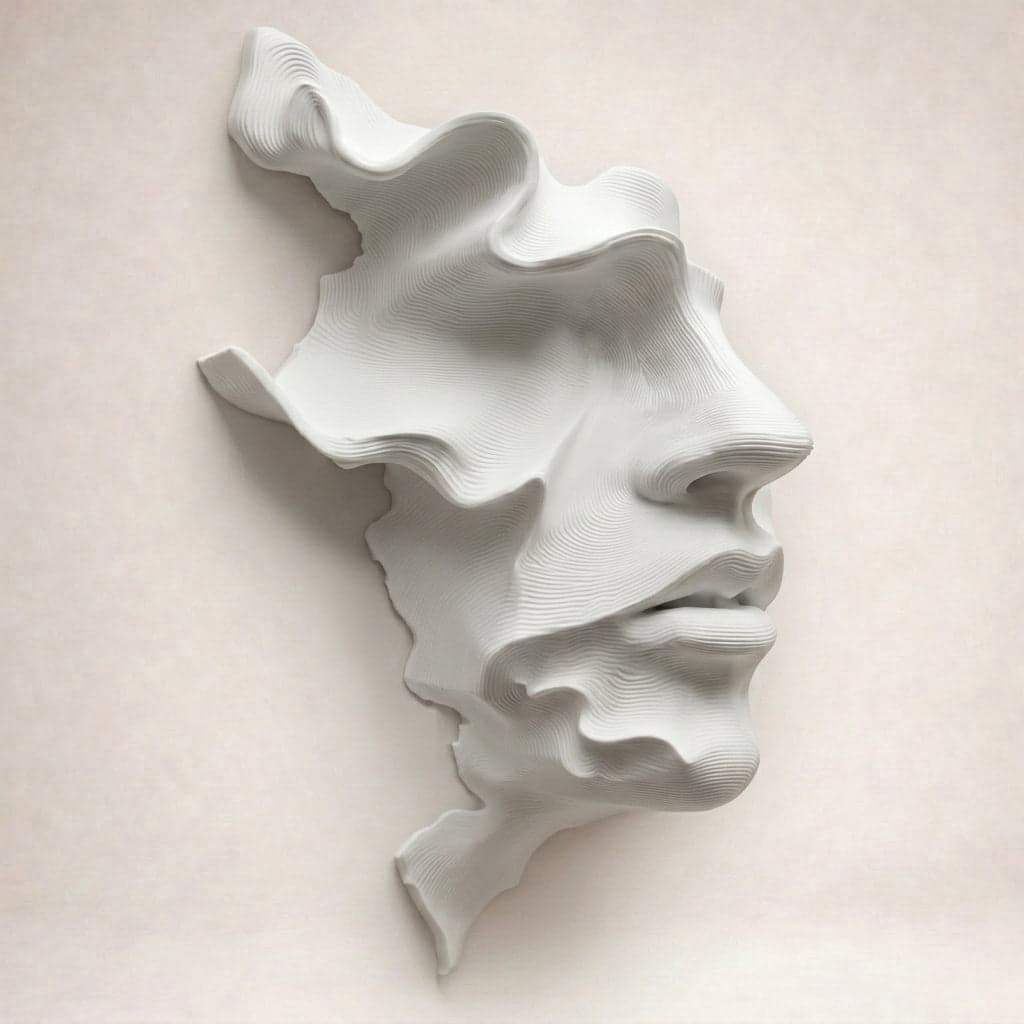
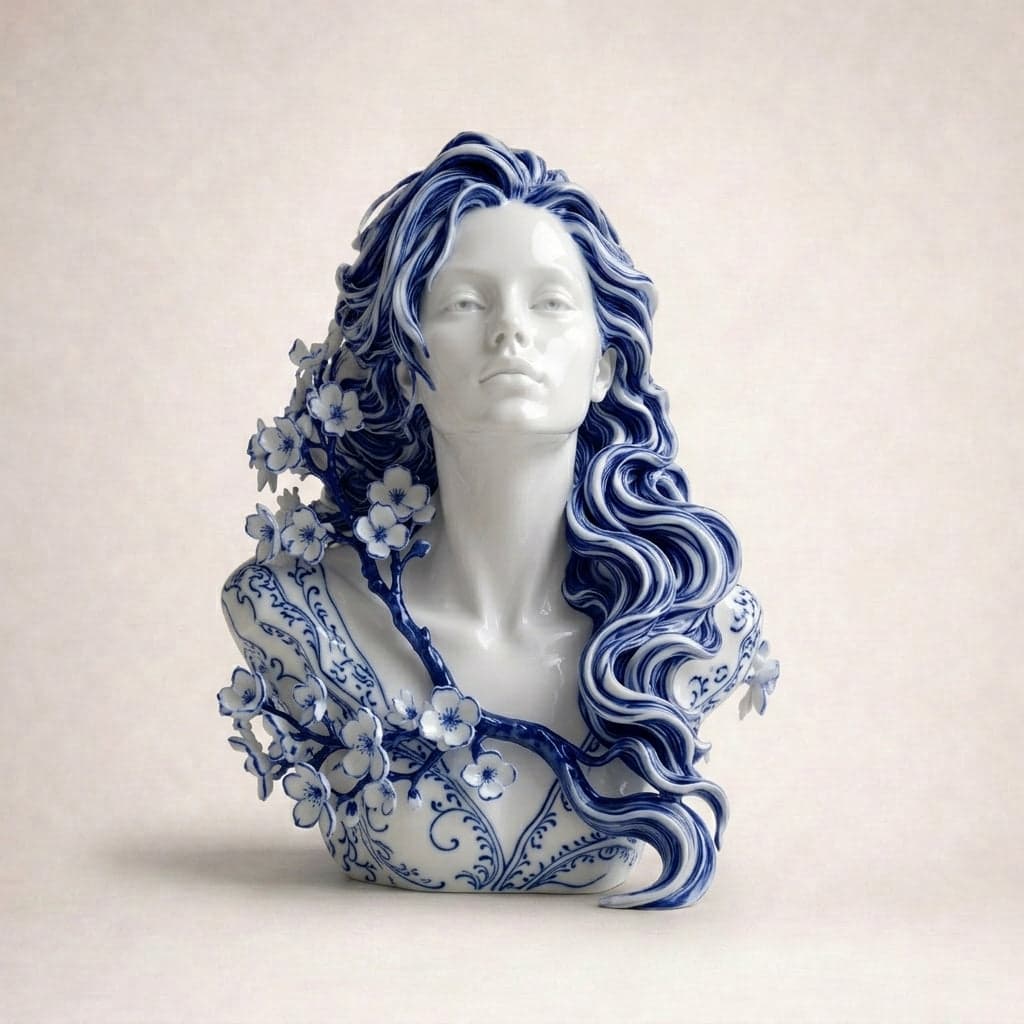
Subtle portraits that capture presence, mood, and quiet emotion within a space.
VIEW COLLECTION
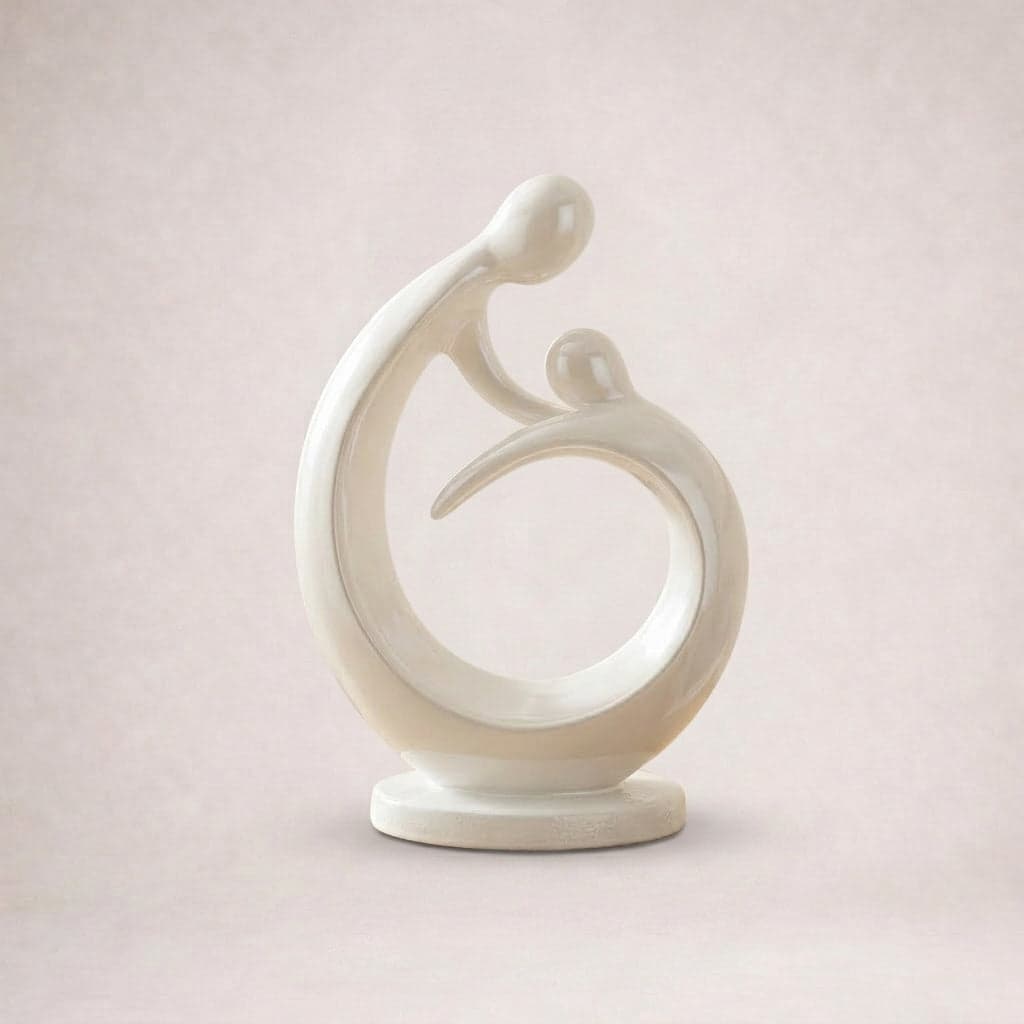
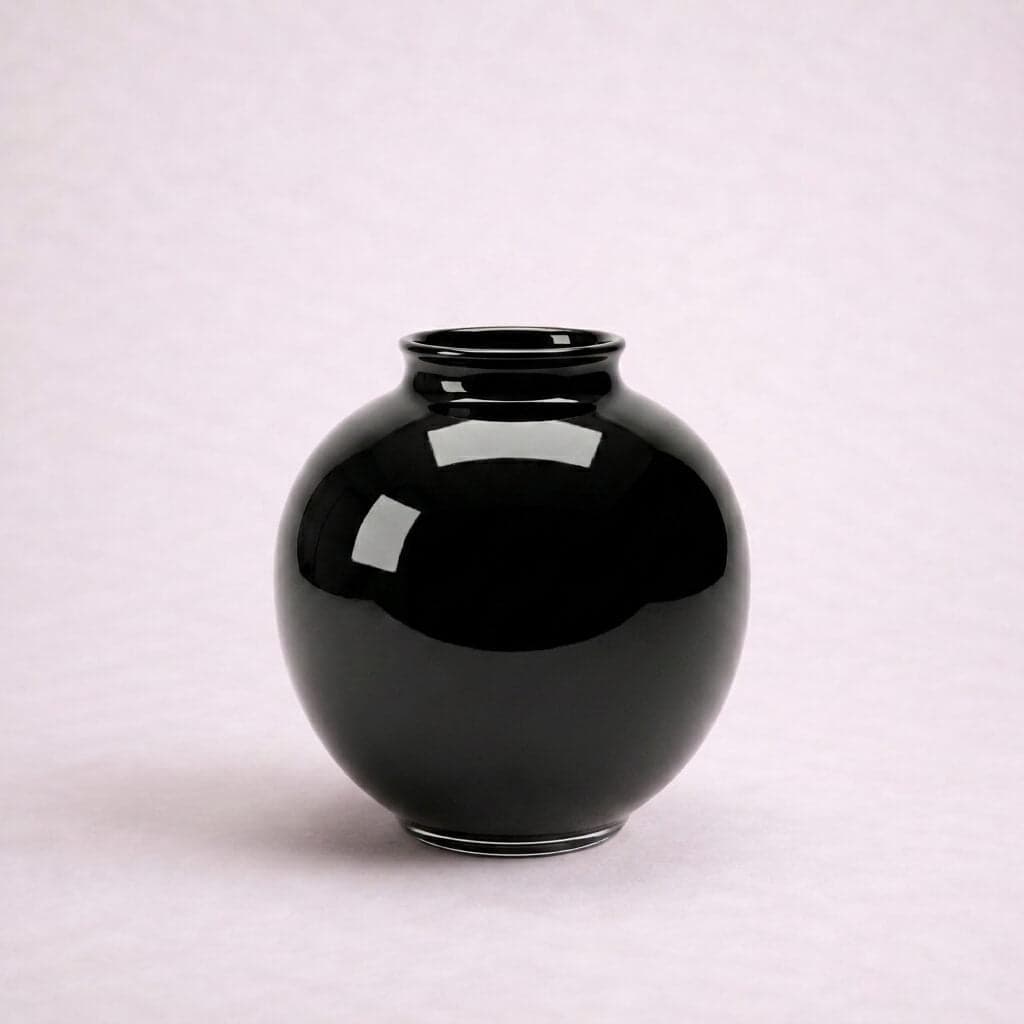
Everyday forms captured in moments of calm, adding warmth and subtle character to any interior.
VIEW COLLECTION
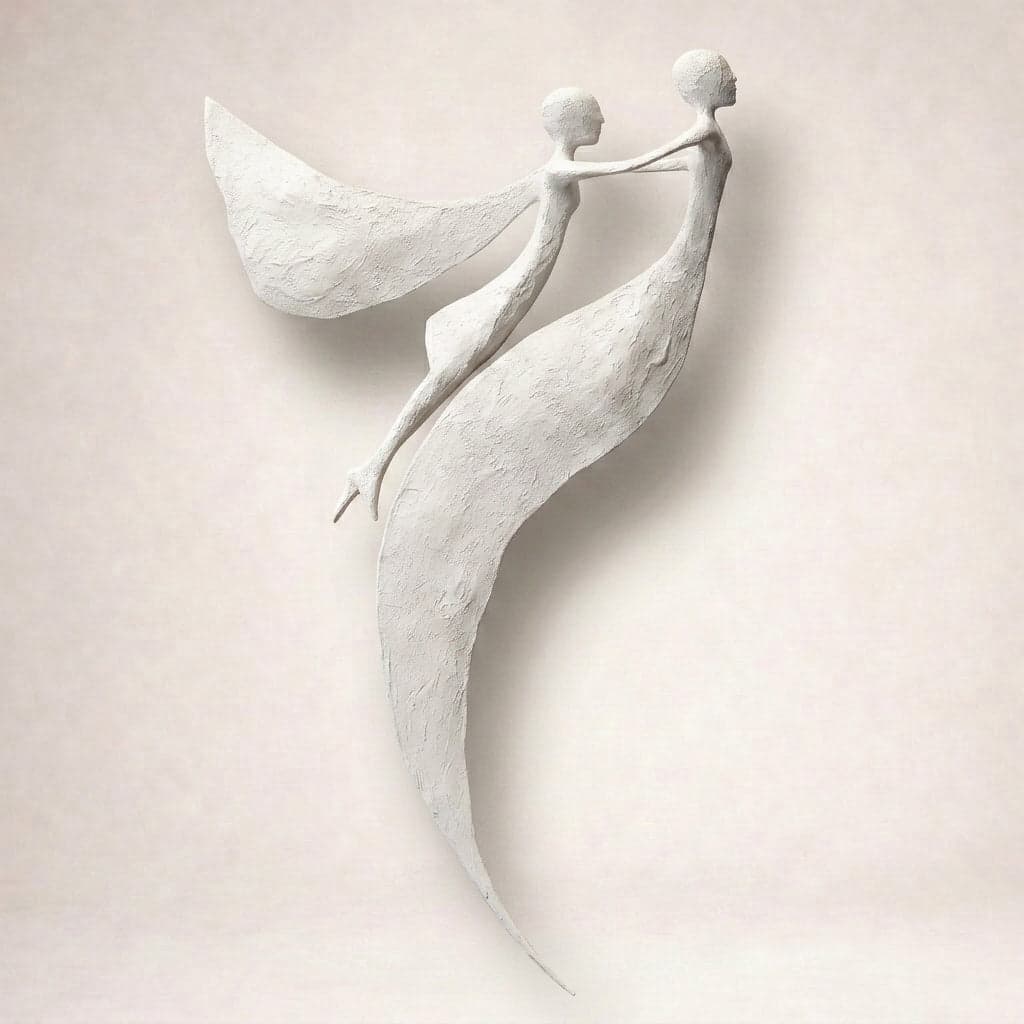
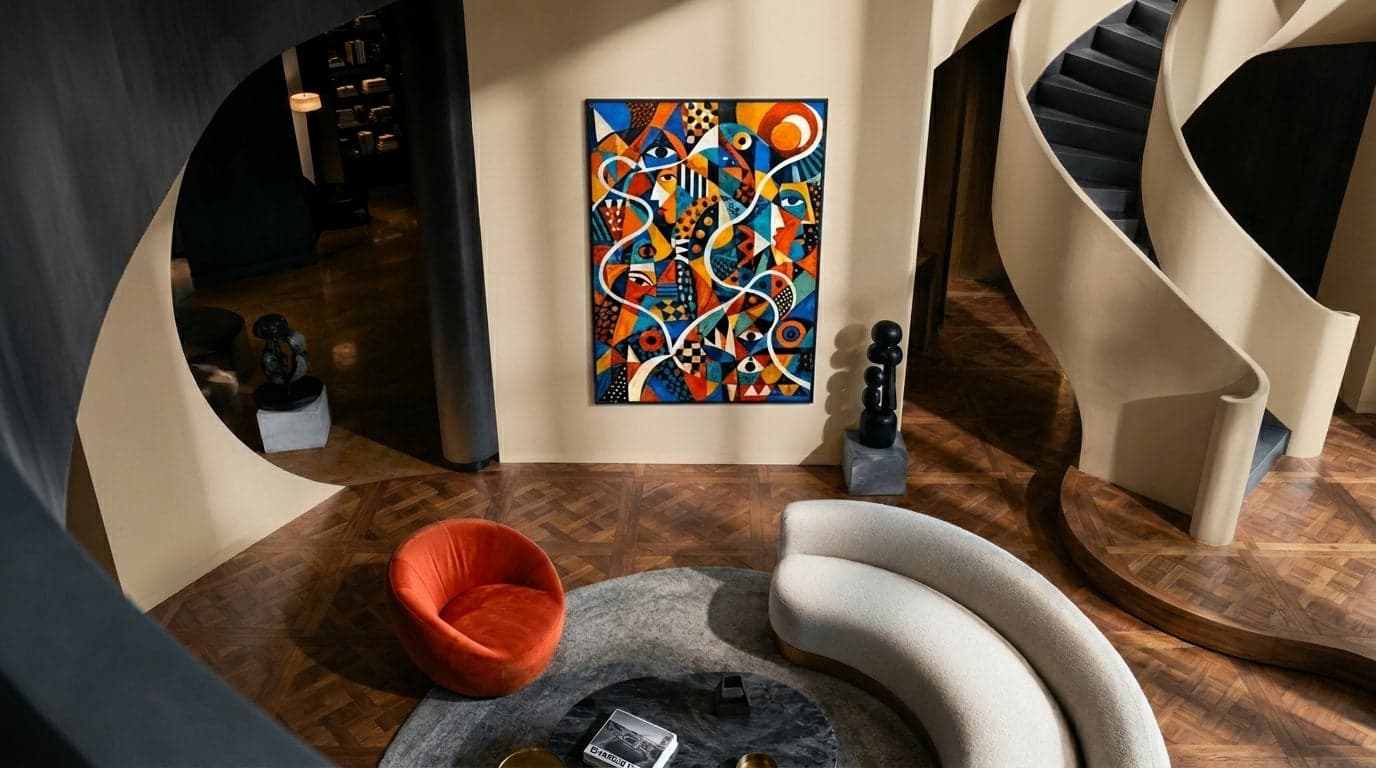
Sculptural forms that bring depth, structure, and a sense of dimension into your space.
VIEW COLLECTION
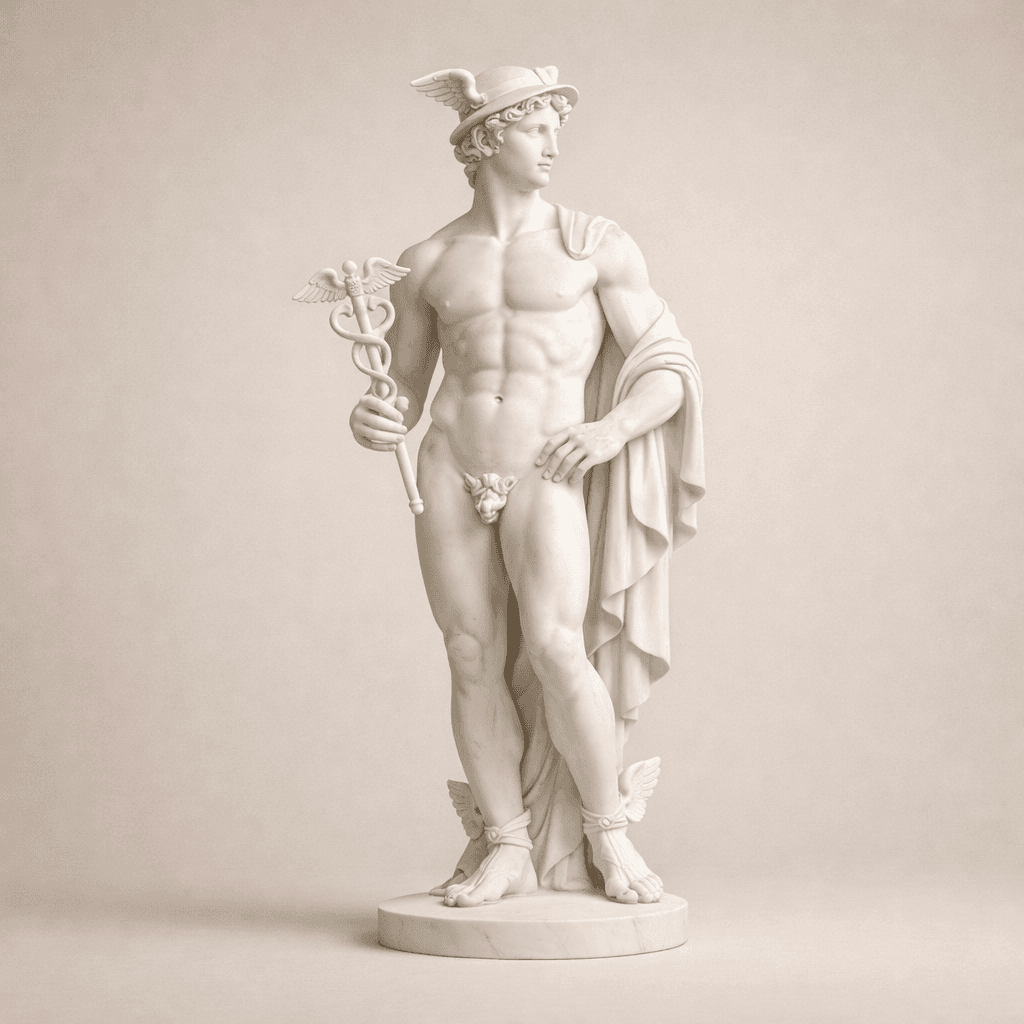
Enduring artworks that continue to inspire across generations and interiors.
VIEW COLLECTION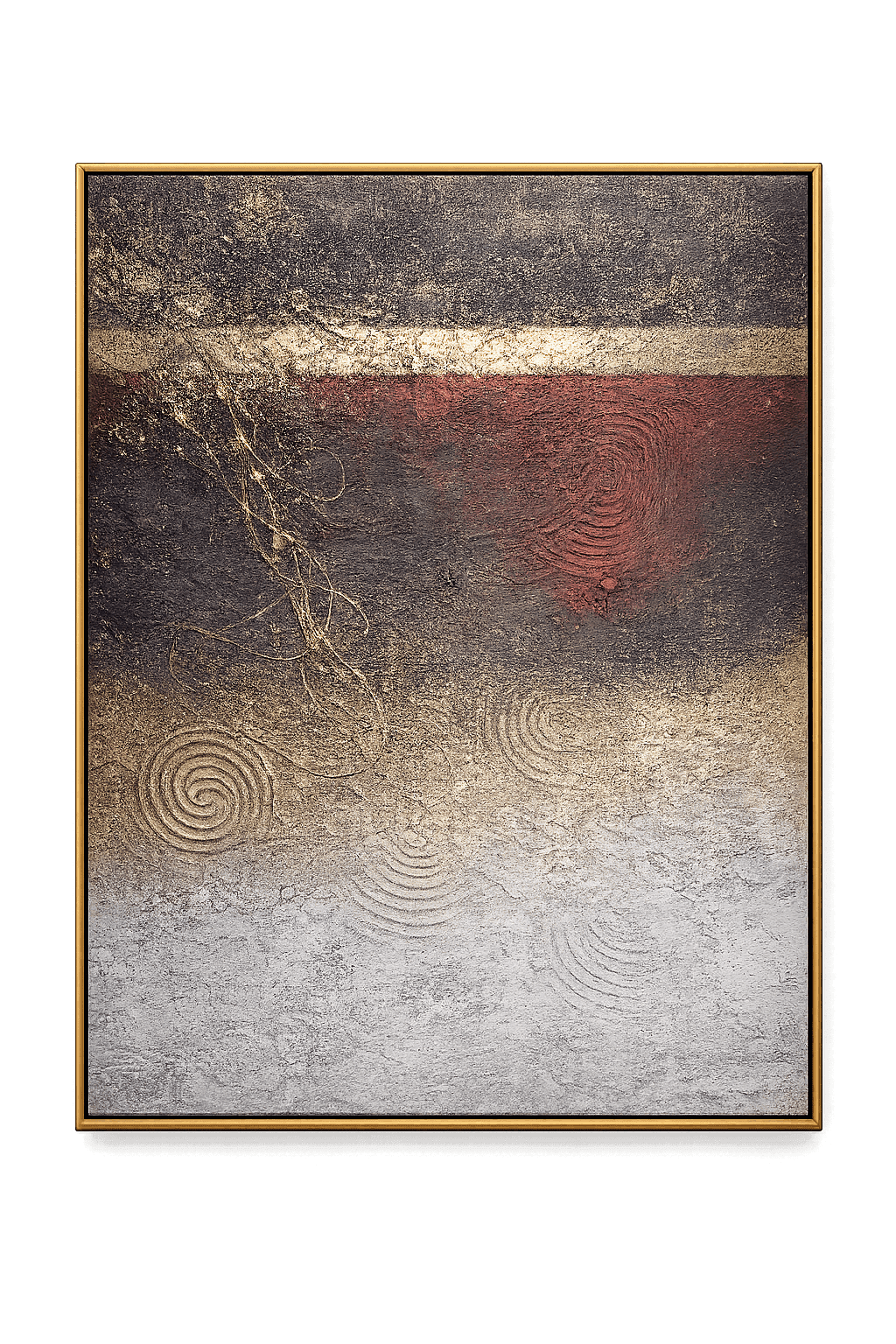
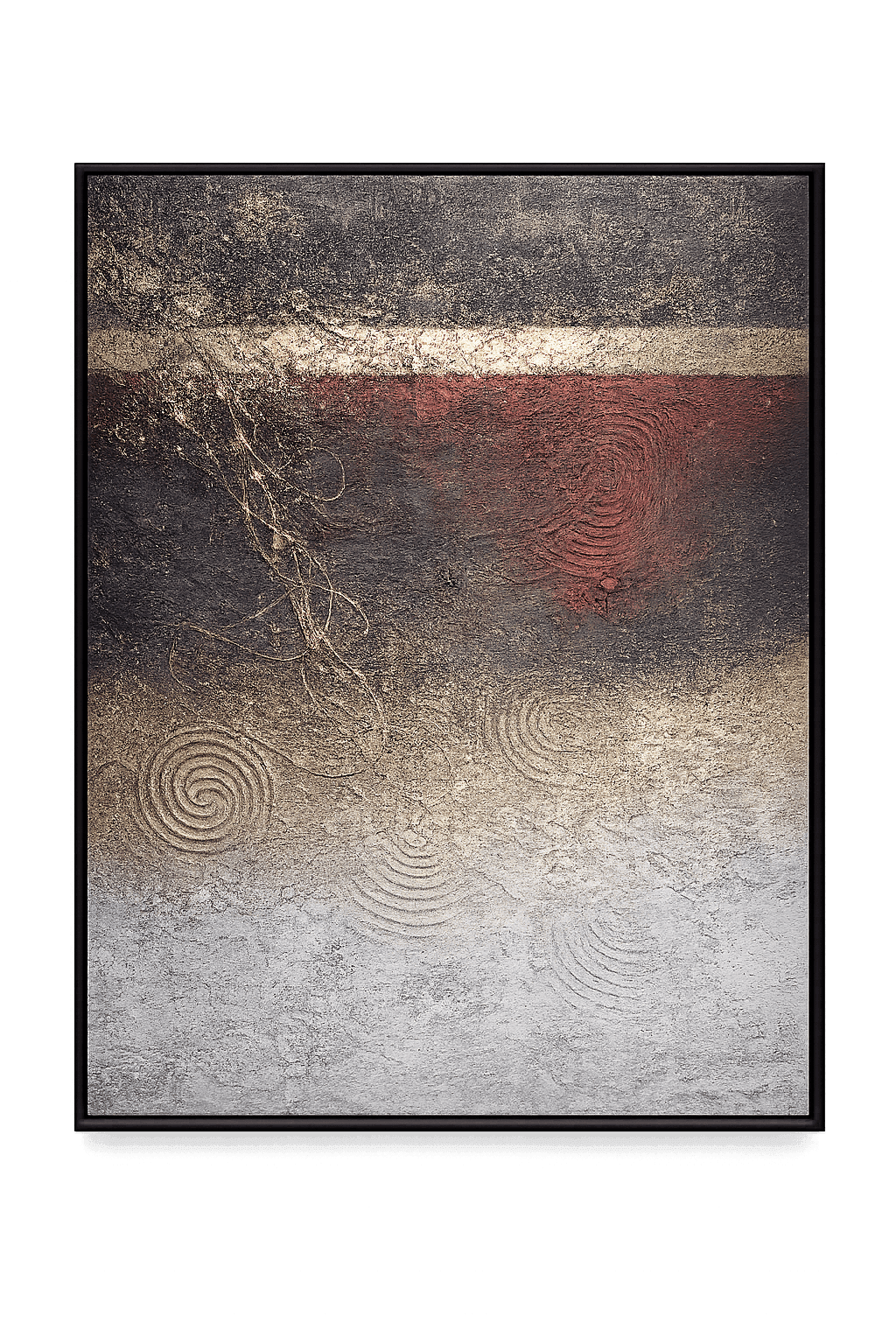
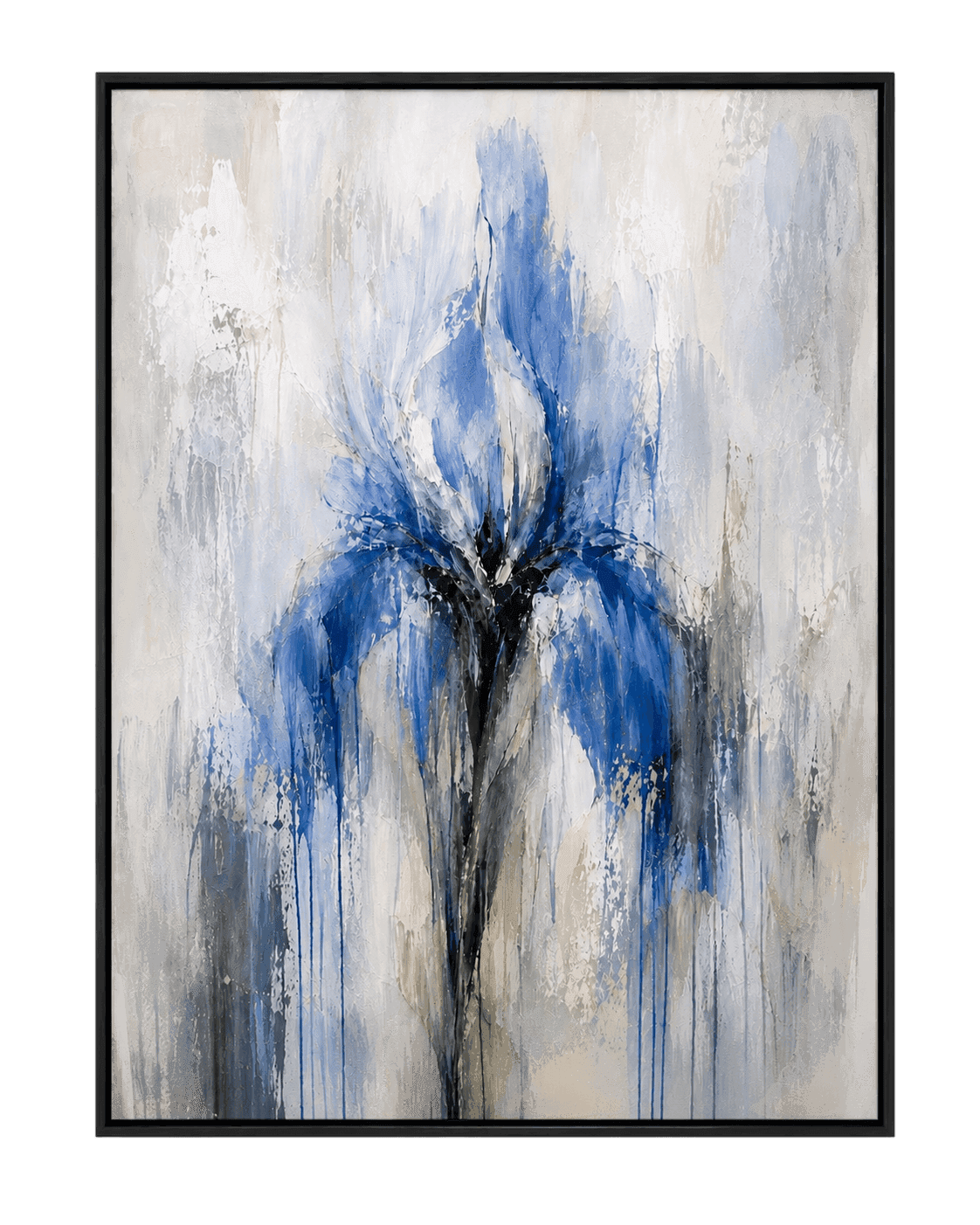
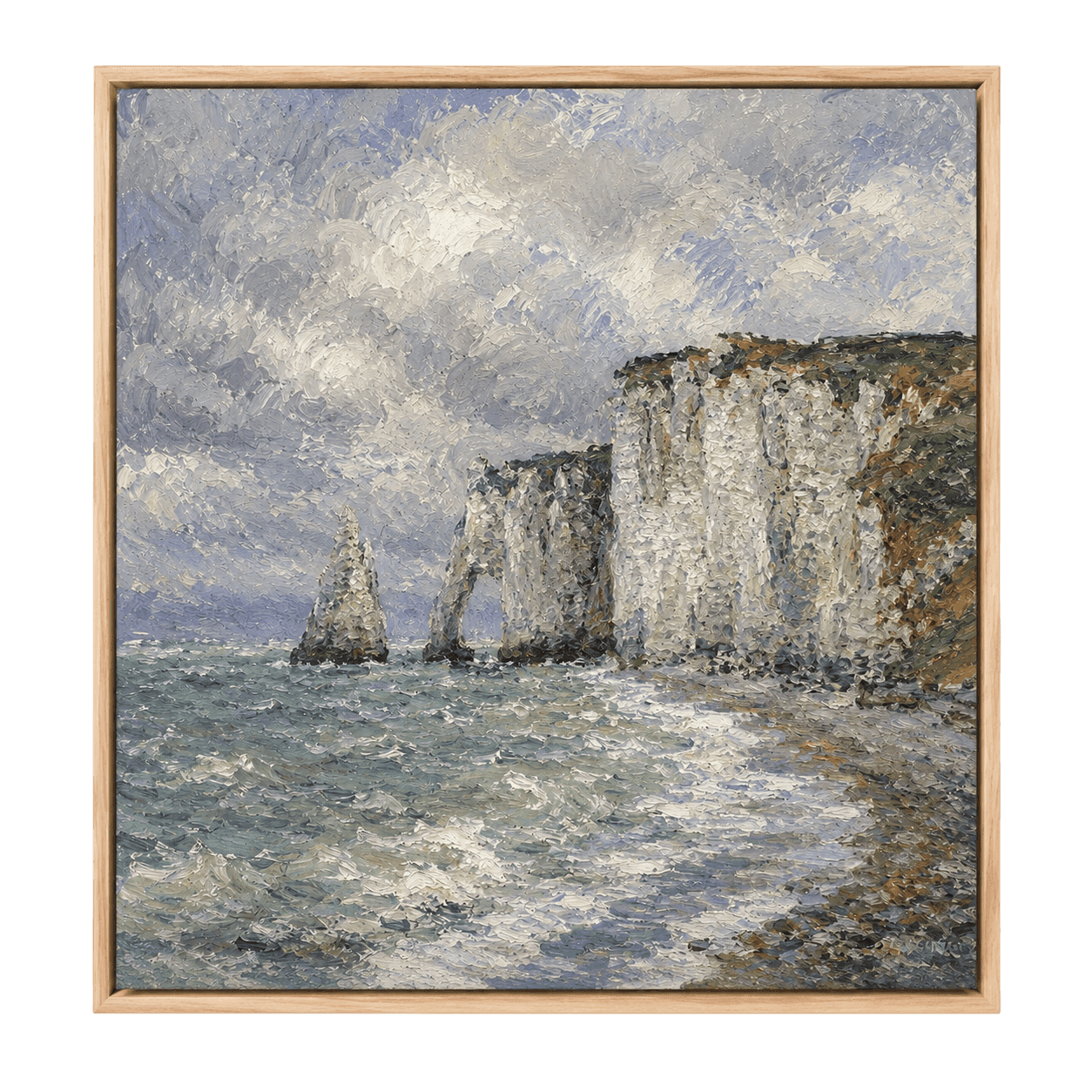
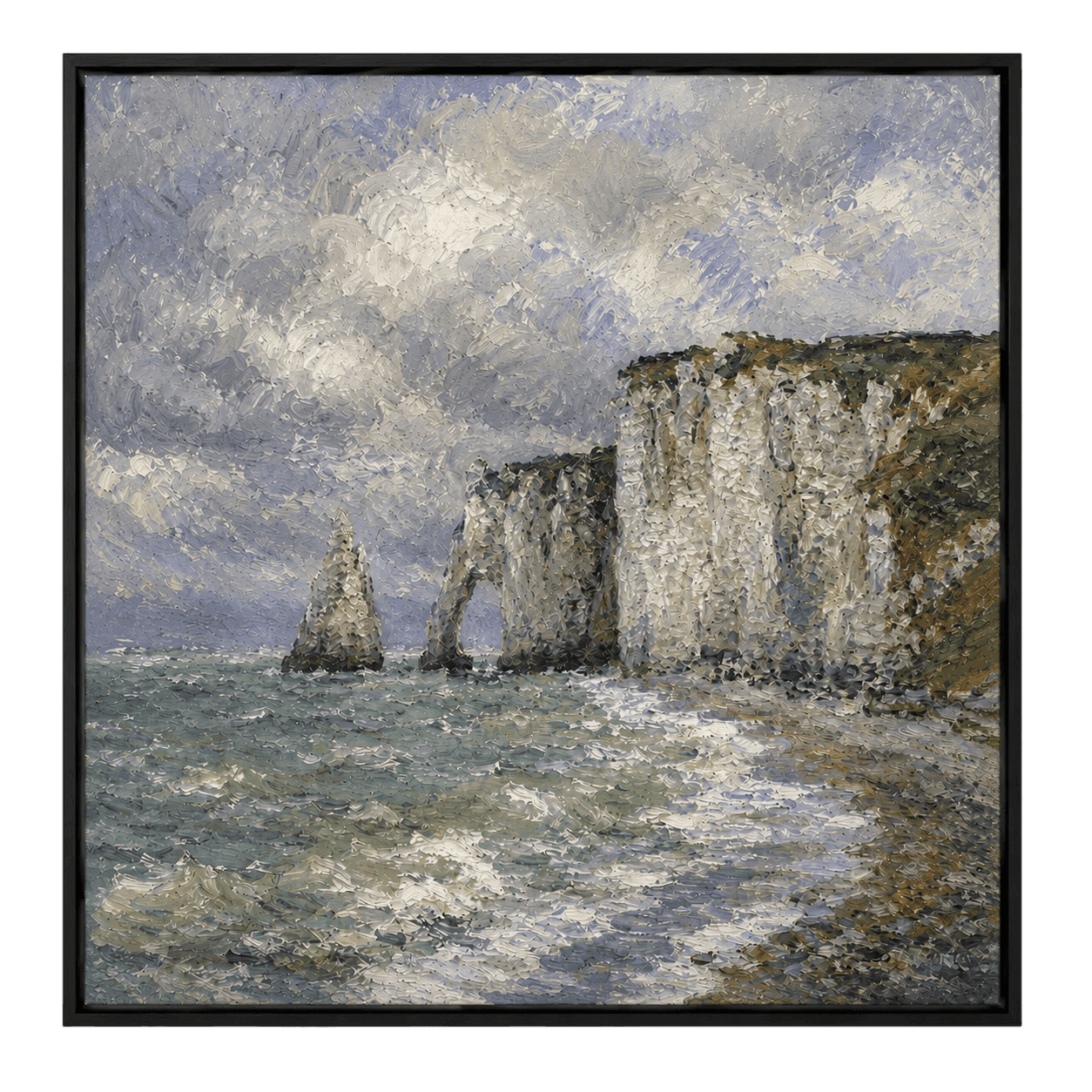
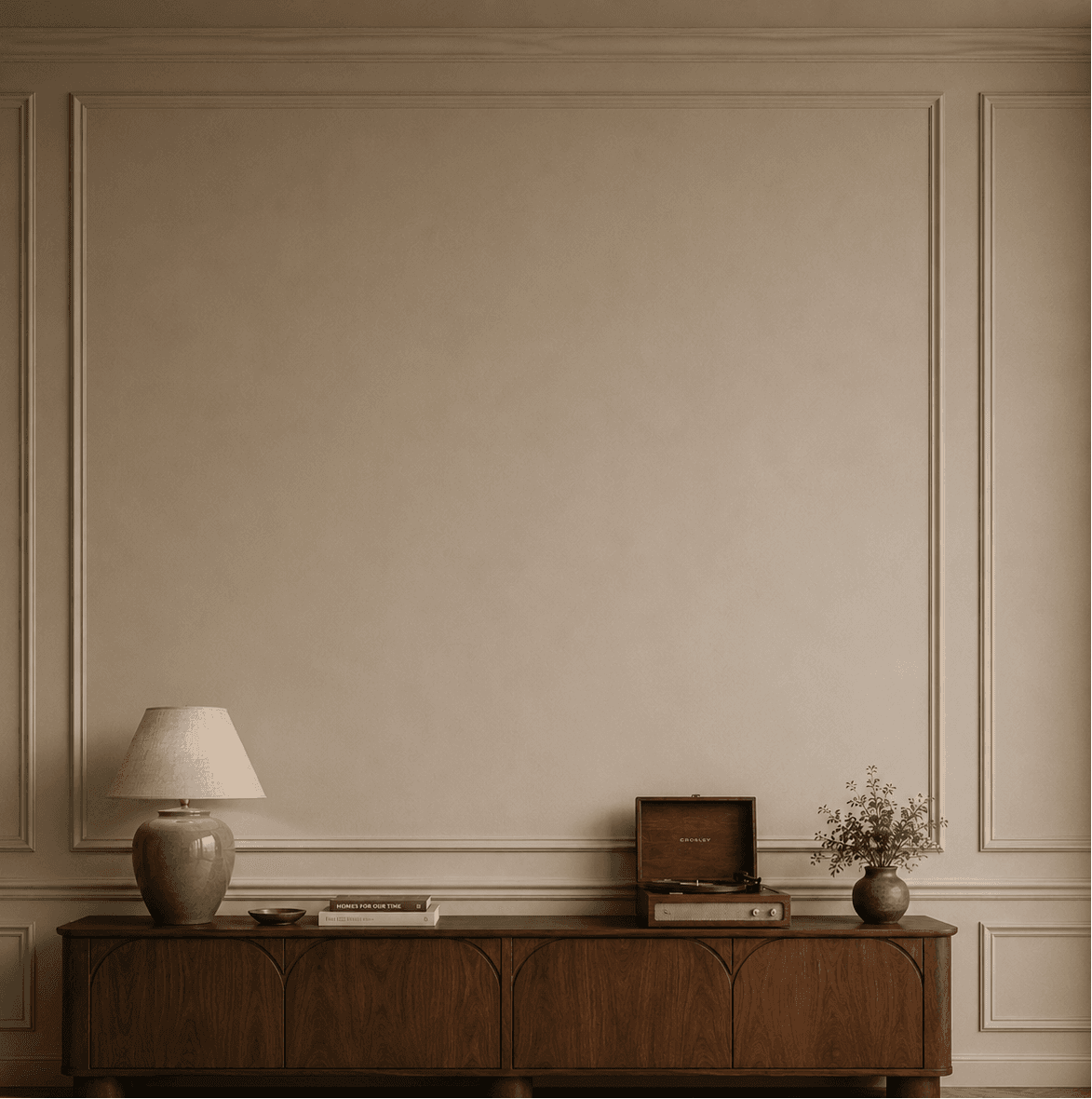
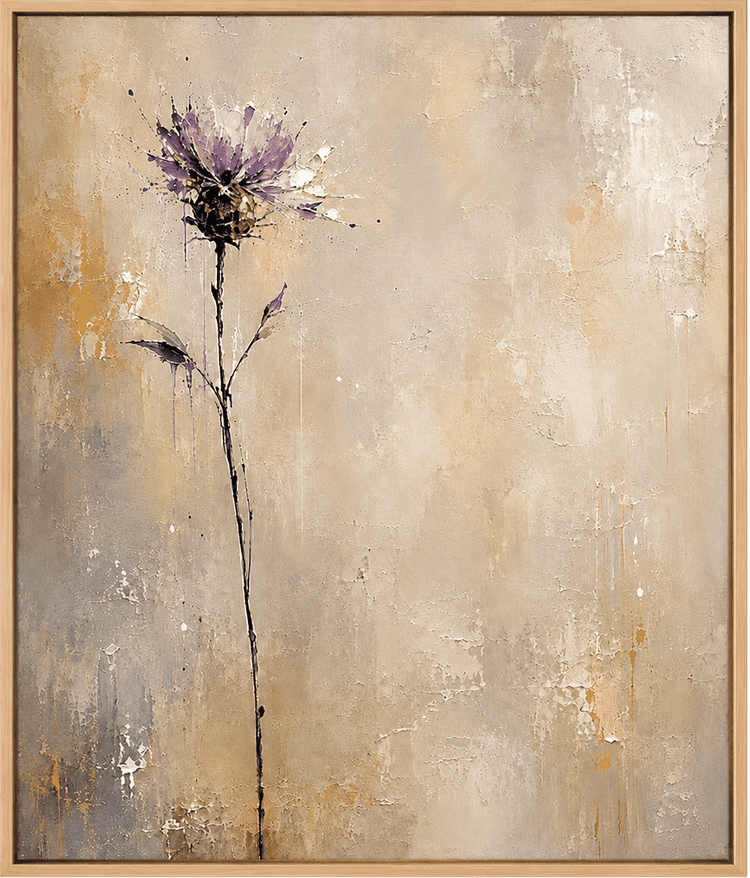

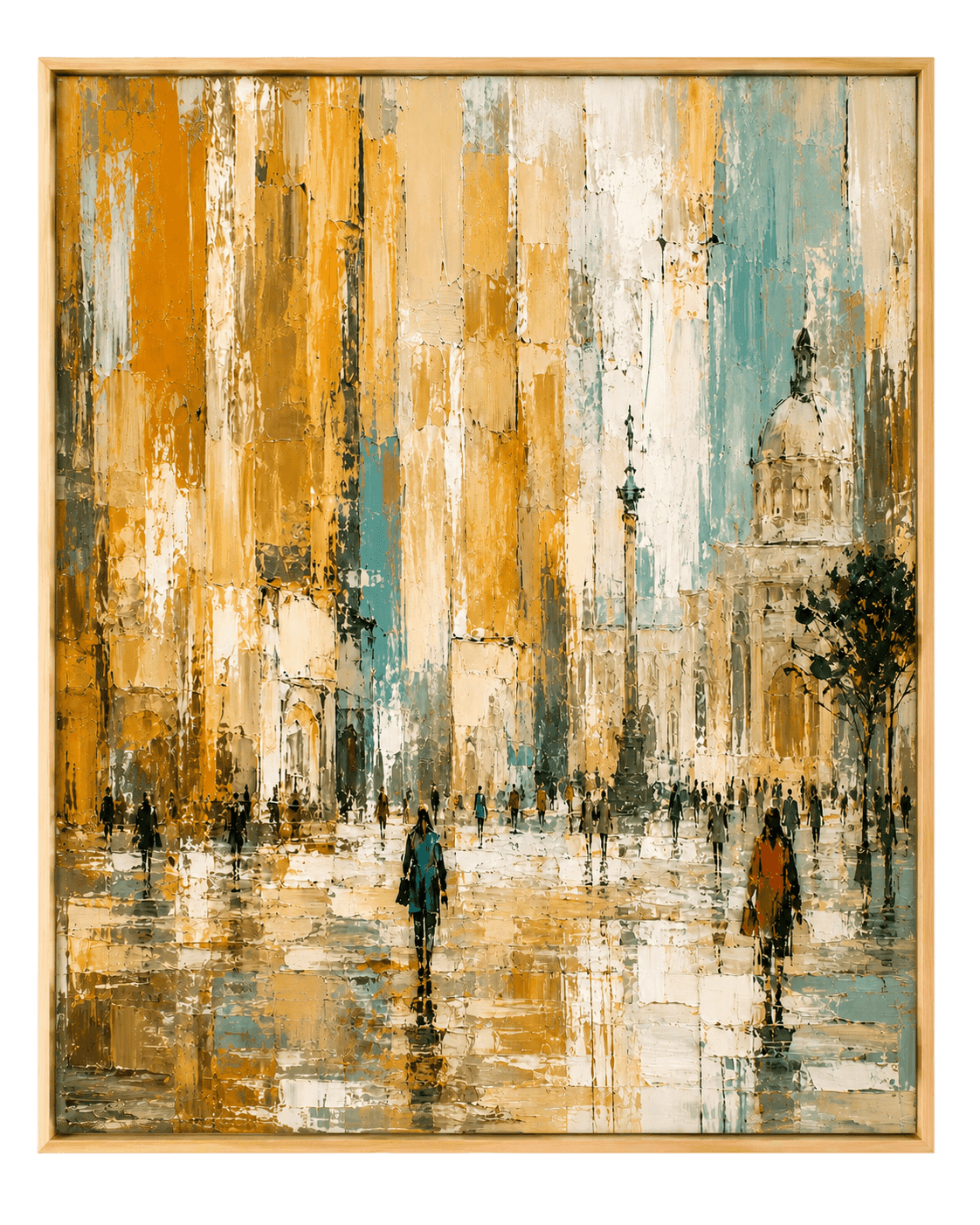
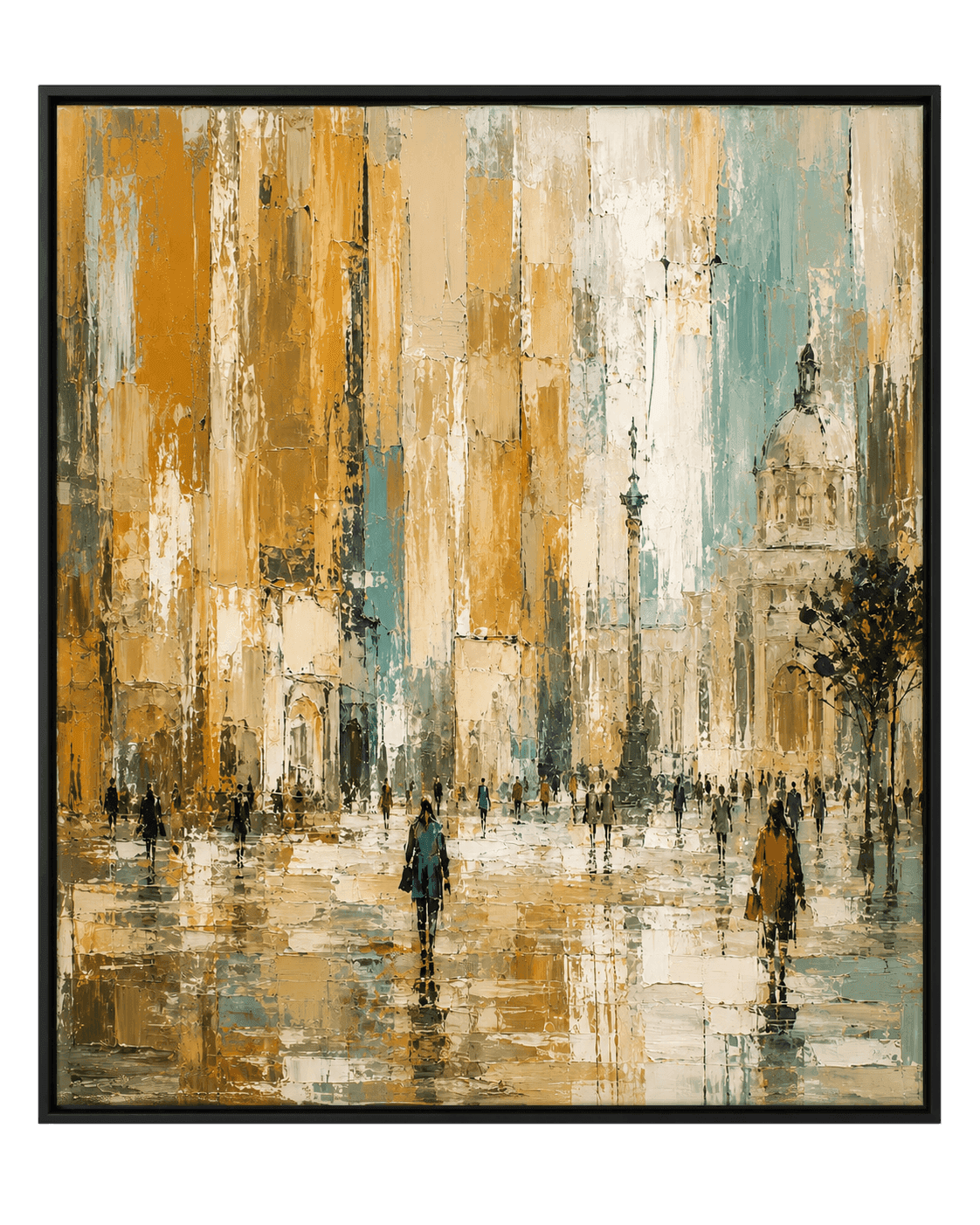
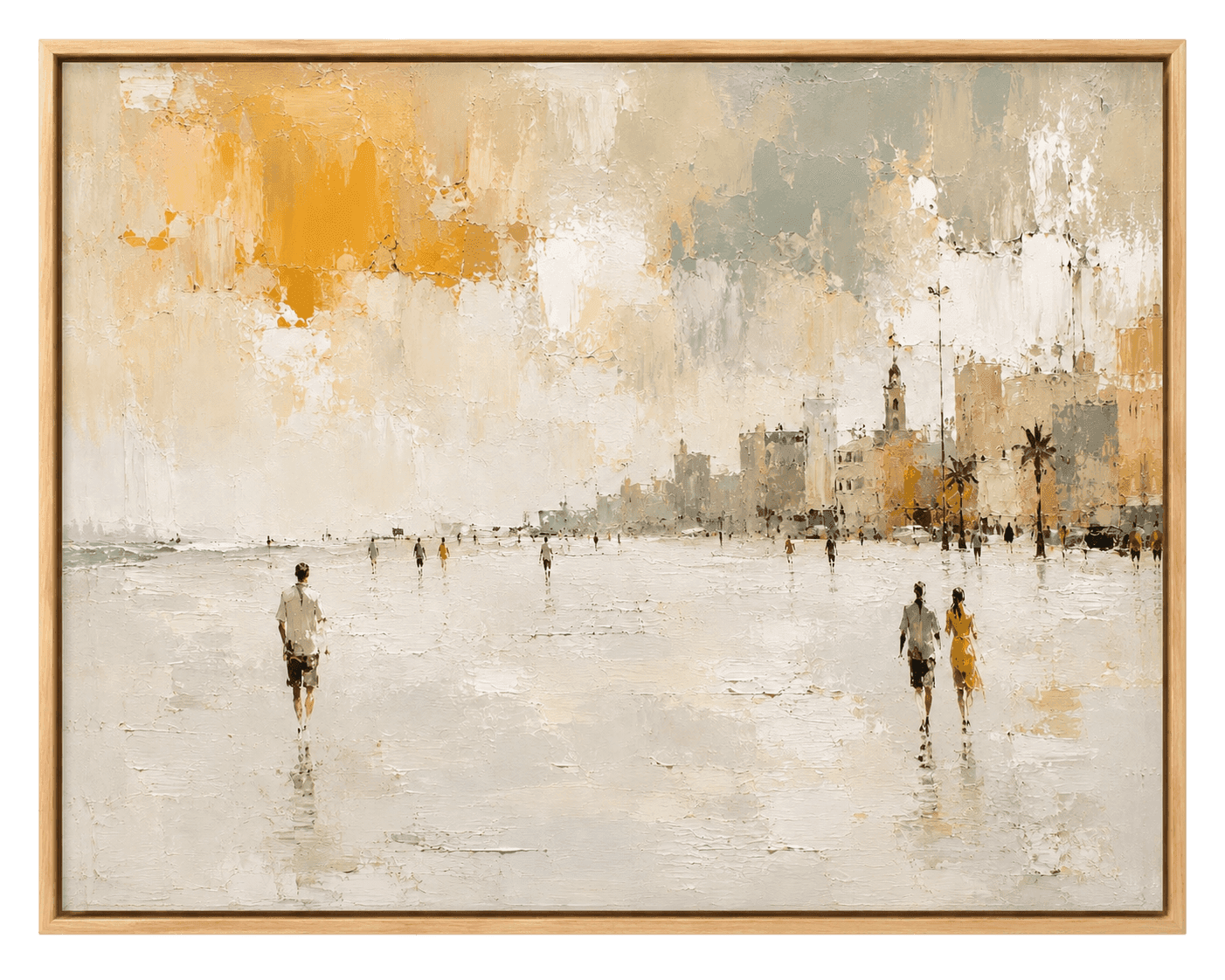
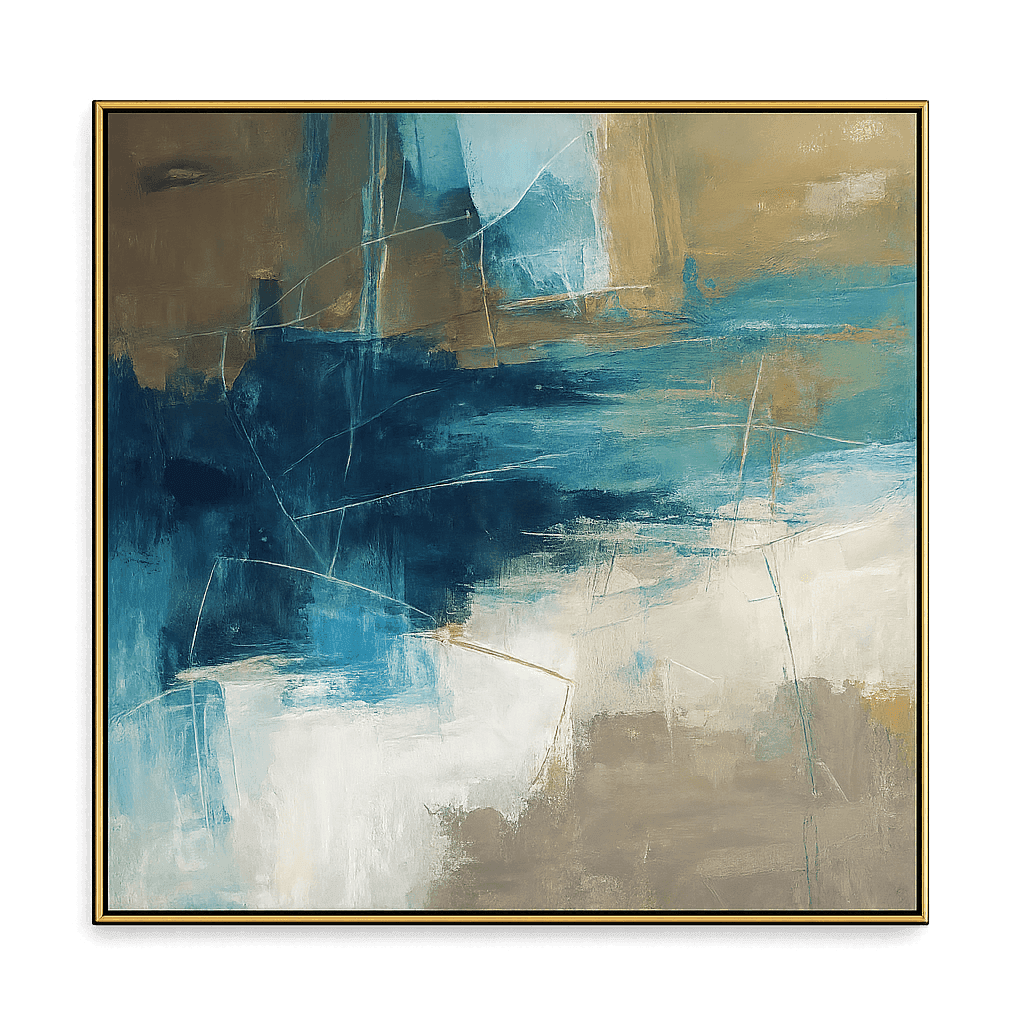
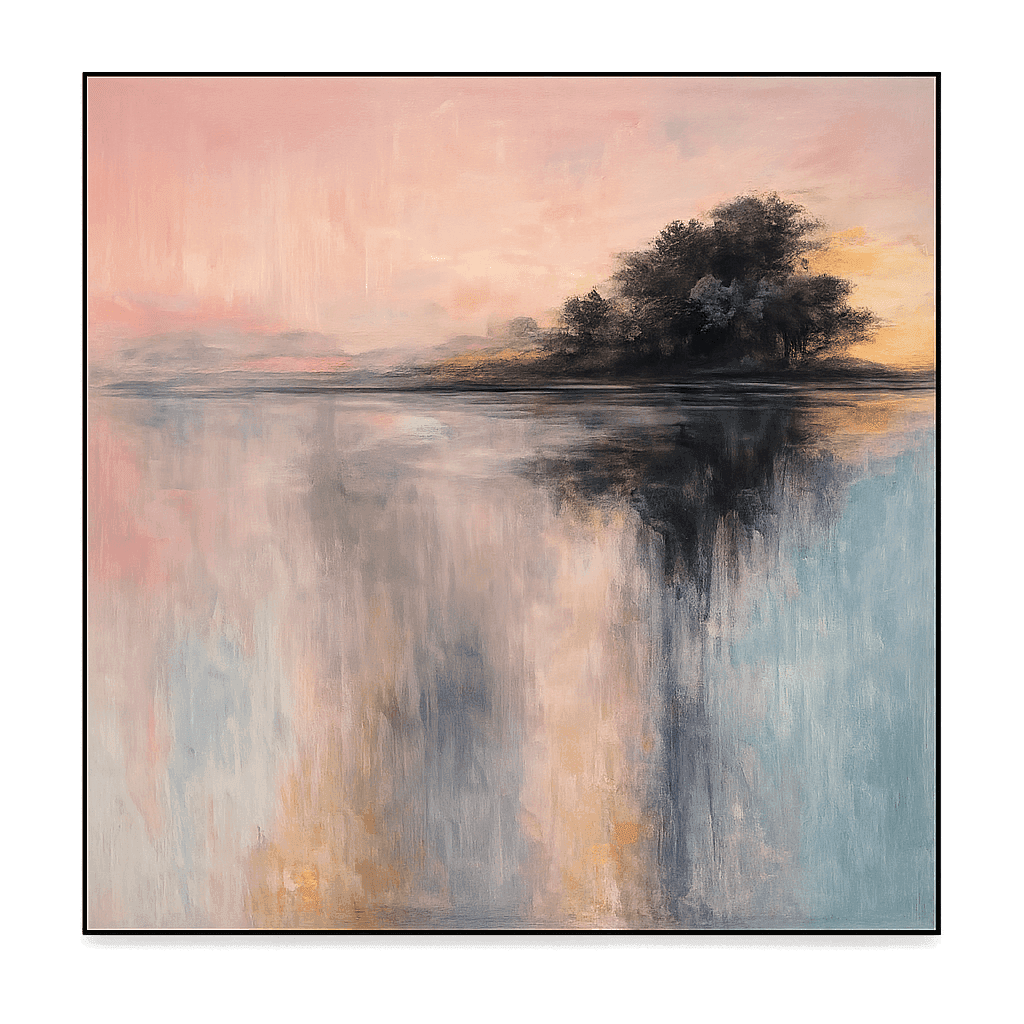
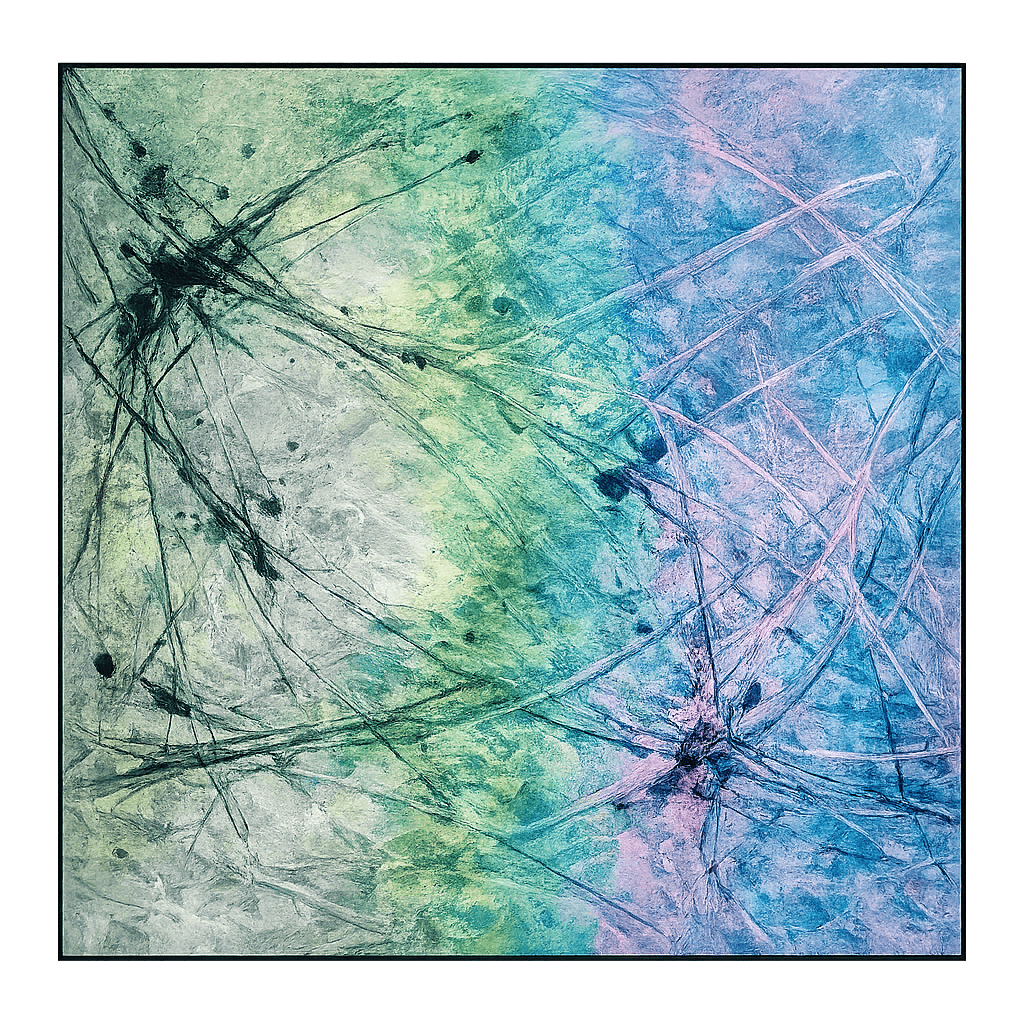
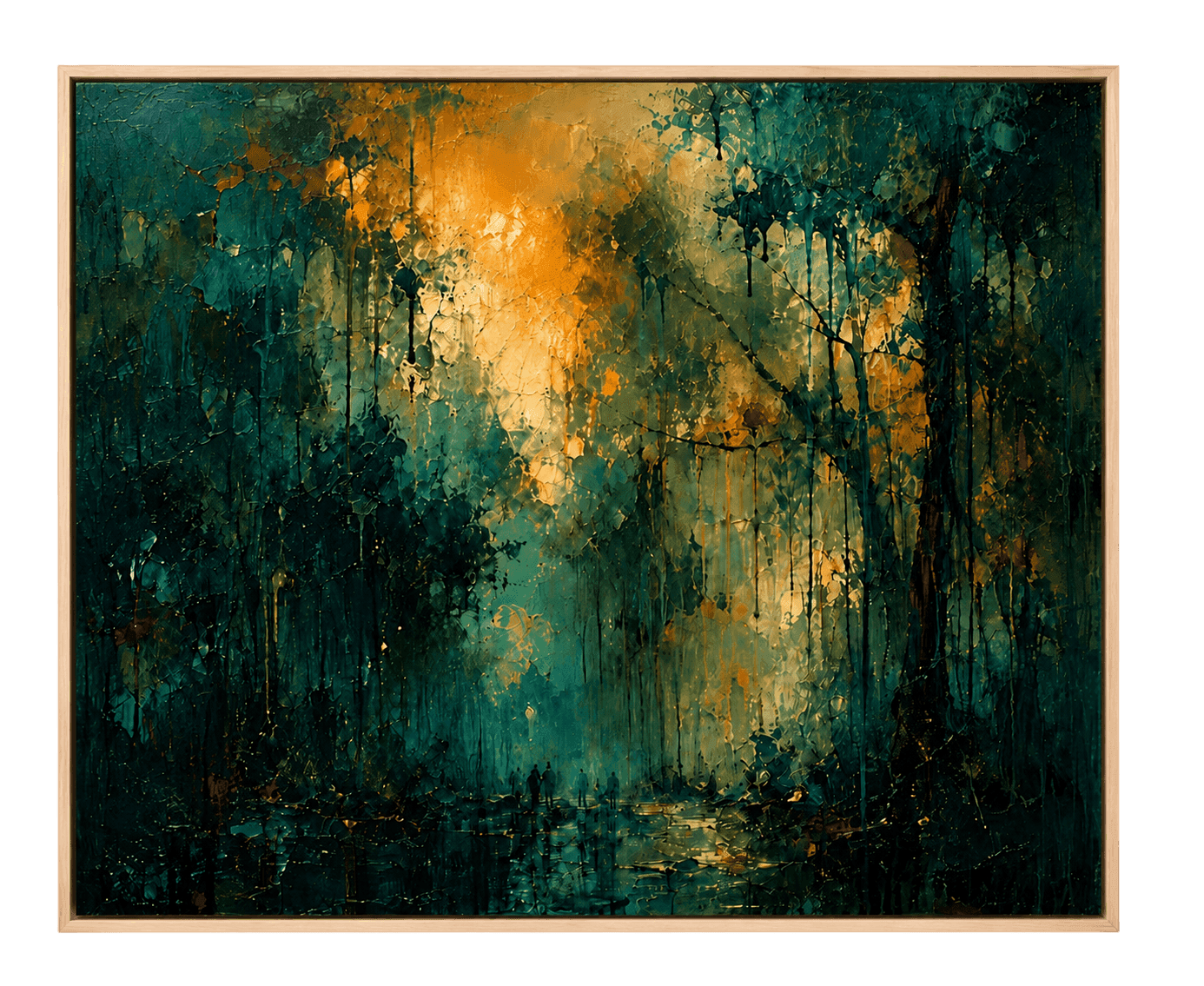
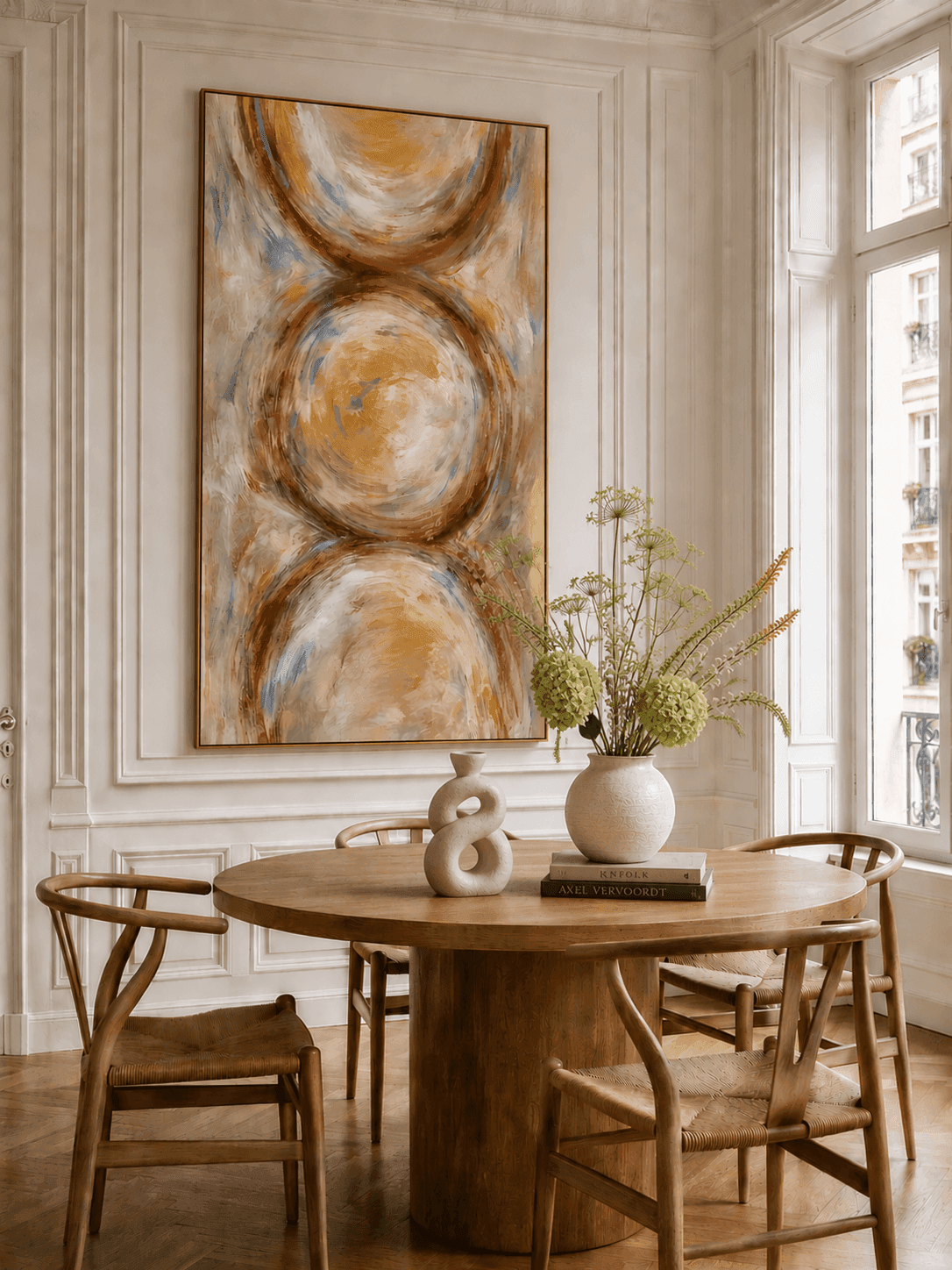
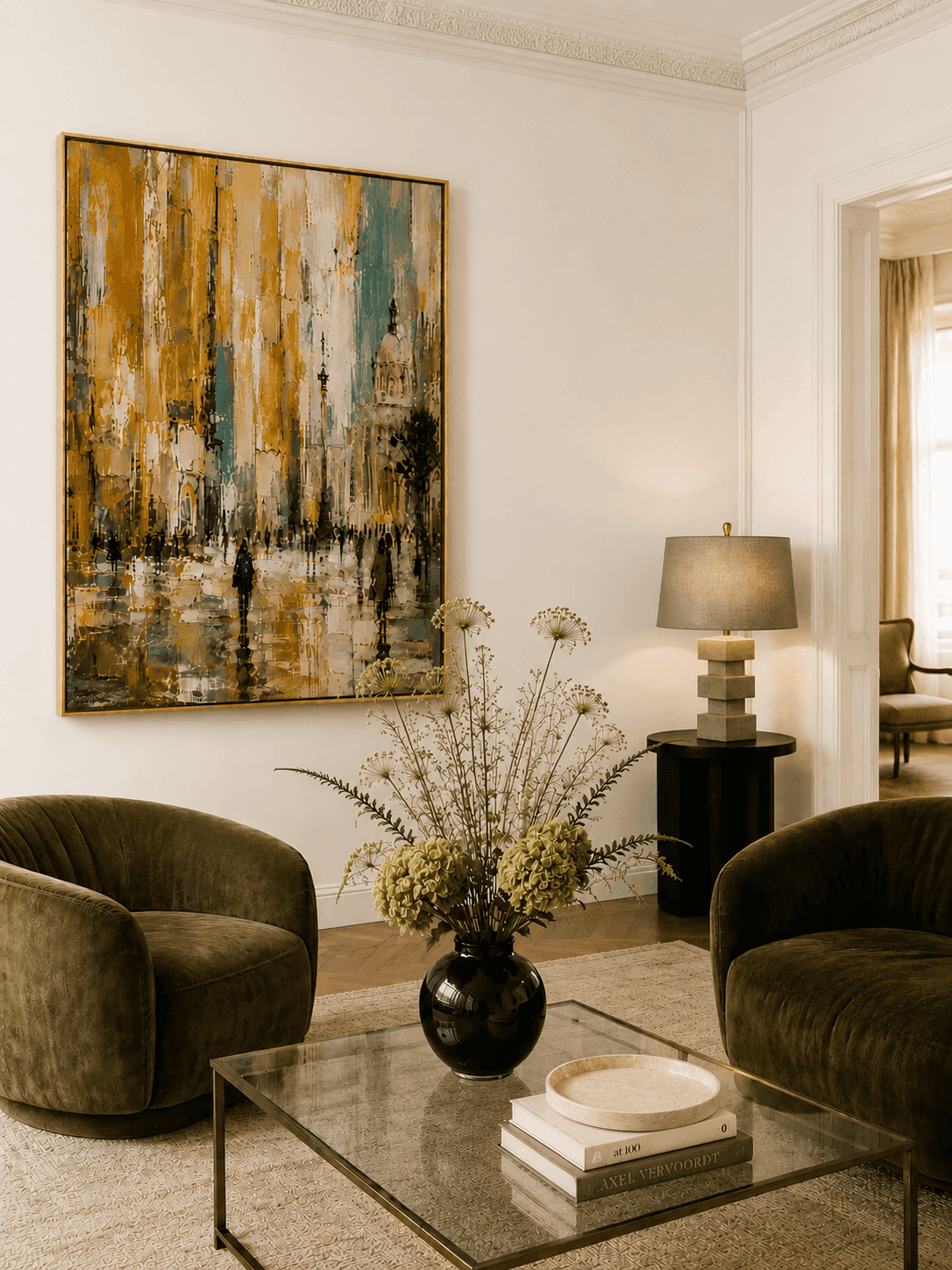
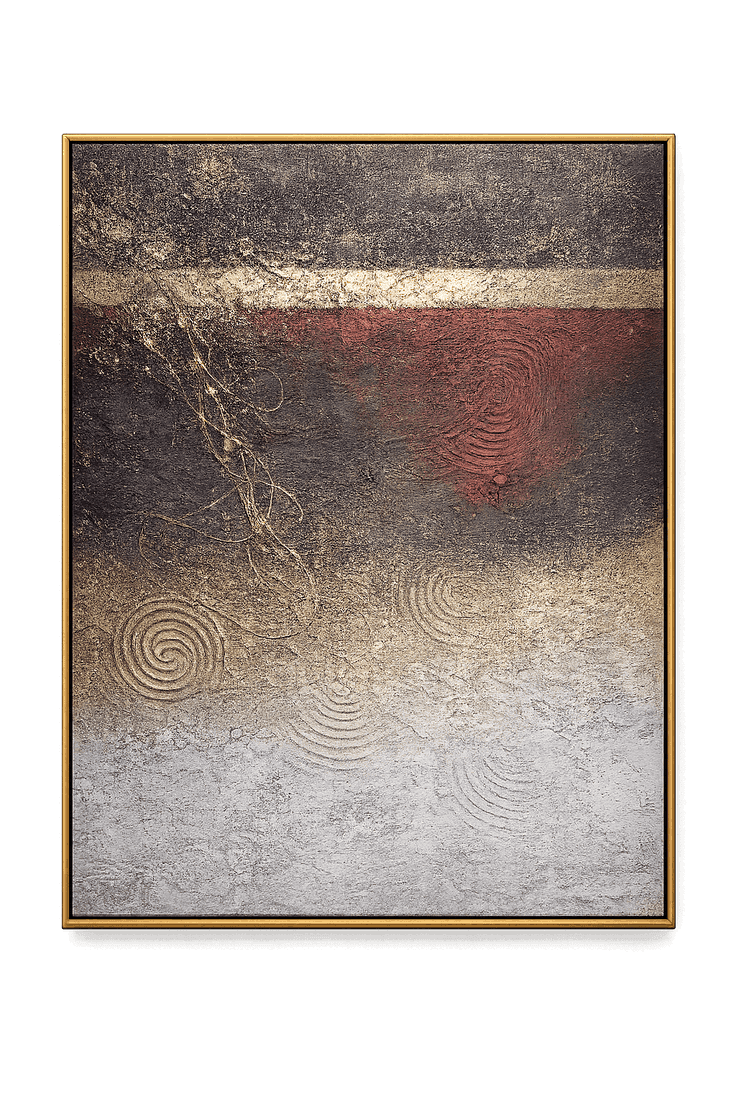
A sophisticated abstract artwork inspired by layered geological formations, weathered surfaces, and the interplay of light across rich natural textures. Featuring expressive relief details, metallic accents, and atmospheric color transitions, Crimson Horizon blends contemporary abstraction with timeless design sensibilities to create a composition that feels both powerful and refined.
READ MORE ▸⌁ 7 Low stock
$271.00 USD
Tax included.
Secure checkout is represented as a local demonstration only.
About the artwork
A sophisticated abstract artwork inspired by layered geological formations, weathered surfaces, and the interplay of light across rich natural textures. Featuring expressive relief details, metallic accents, and atmospheric color transitions, Crimson Horizon blends contemporary abstraction with timeless design sensibilities to create a composition that feels both powerful and refined.
The harmonious balance of deep charcoal, aged ivory, rich crimson, luminous gold, and soft stone neutrals evokes the feeling of distant horizons illuminated by the last light of day. Sculptural textures, organic movement, and subtle metallic highlights bring depth and dimension to the artwork, making it an elegant statement piece for luxury homes, curated gallery walls, and sophisticated interiors.
Perfect for:
modern living rooms,luxury apartments,Parisian-inspired interiors,designer home offices,curated gallery walls.
Style:Abstract Expressionism / Contemporary Abstract Art / Modern Luxury Decor / Textured Wall Art / Gallery-Inspired Statement Piece
Color Palette:
Original Paintings For Sale
This local reproduction presents the public reference information without sending an order or payment.
This local reproduction presents the public reference information without sending an order or payment.
This local reproduction presents the public reference information without sending an order or payment.
This local reproduction presents the public reference information without sending an order or payment.


